Editions and resource tiers
Community is free for individual, non-commercial use. Business is intended for commercial use by companies and organizations, with a commercial license and additional support. The Community edition includes Tier1, Tier2, and Tier3. Tiers differ mainly in table storage and count, Notebook compute resources, API CU allowances and request rates, and service priority. Higher tiers are awarded based on contributions such as public data, real integrations, and sustained community involvement. See Plans for each tier’s quotas.View account usage
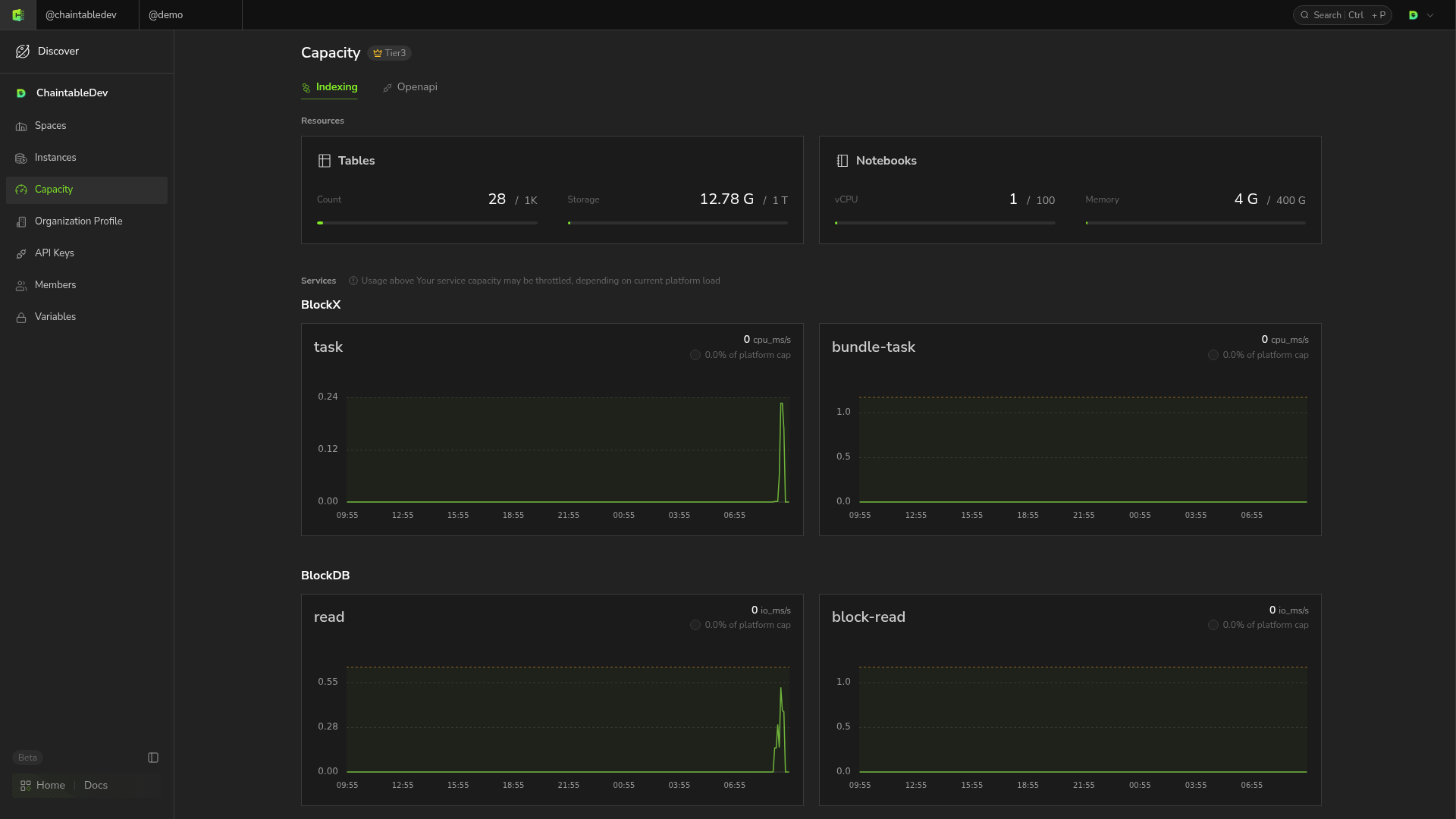
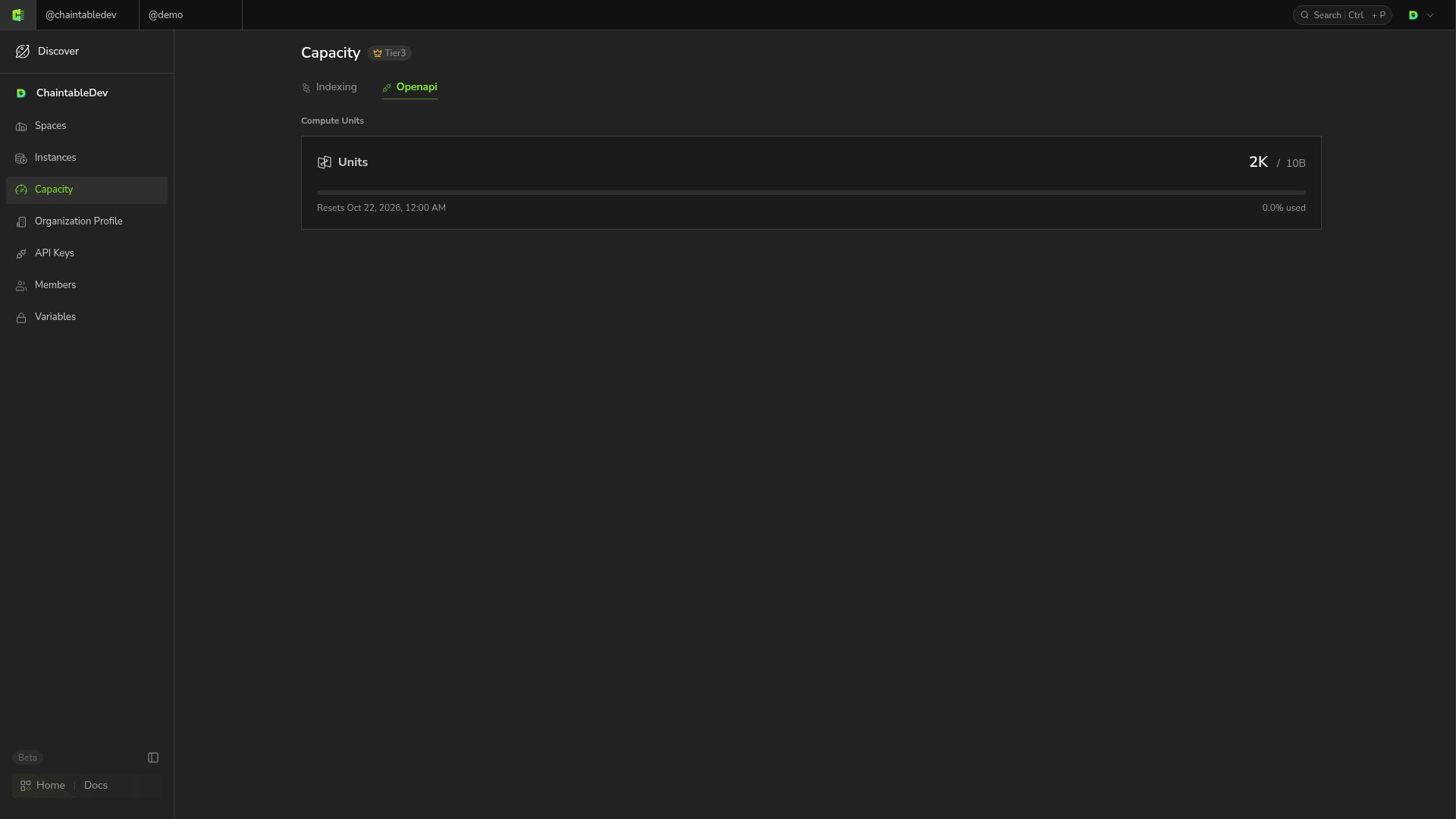
Switch to the account you want to view and open Capacity from the sidebar. The current resource tier appears at the top, with usage under Indexing and Openapi. Indexing → Resources shows table count, table storage, and Notebook CPU and memory usage. Tables occupy count and storage quotas while retained. Notebook CPU and memory are allocated while an instance runs and released when it ends.