

usdc_amount from Create a Function.
Run a test
- Open the Function and find the
raw_amountinput below the editor. - Enter
1500000, then press Tab or click elsewhere to apply the input. - Click Run and wait for completion.
- In Output → Return, check that the result is
1.5.
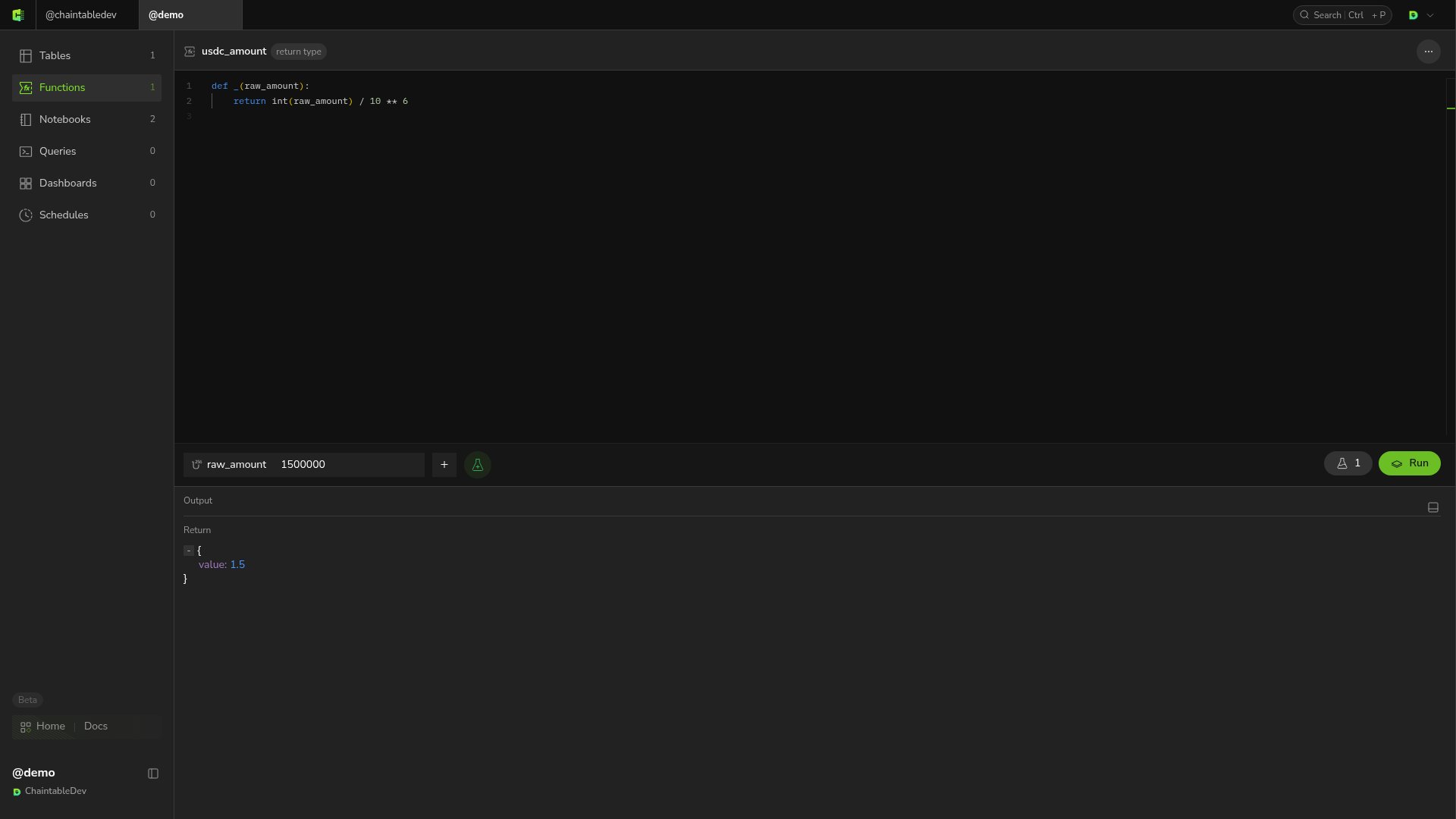
return values appear under Return; print() output appears in the output area.
Save test inputs
Hover over the parameter bar and click the flask icon with a plus sign, Add to test cases, to save the current inputs. The number on the flask button at the right shows the saved test case count. Click that button to open the test-case list, select an entry to restore its parameters, and click Run.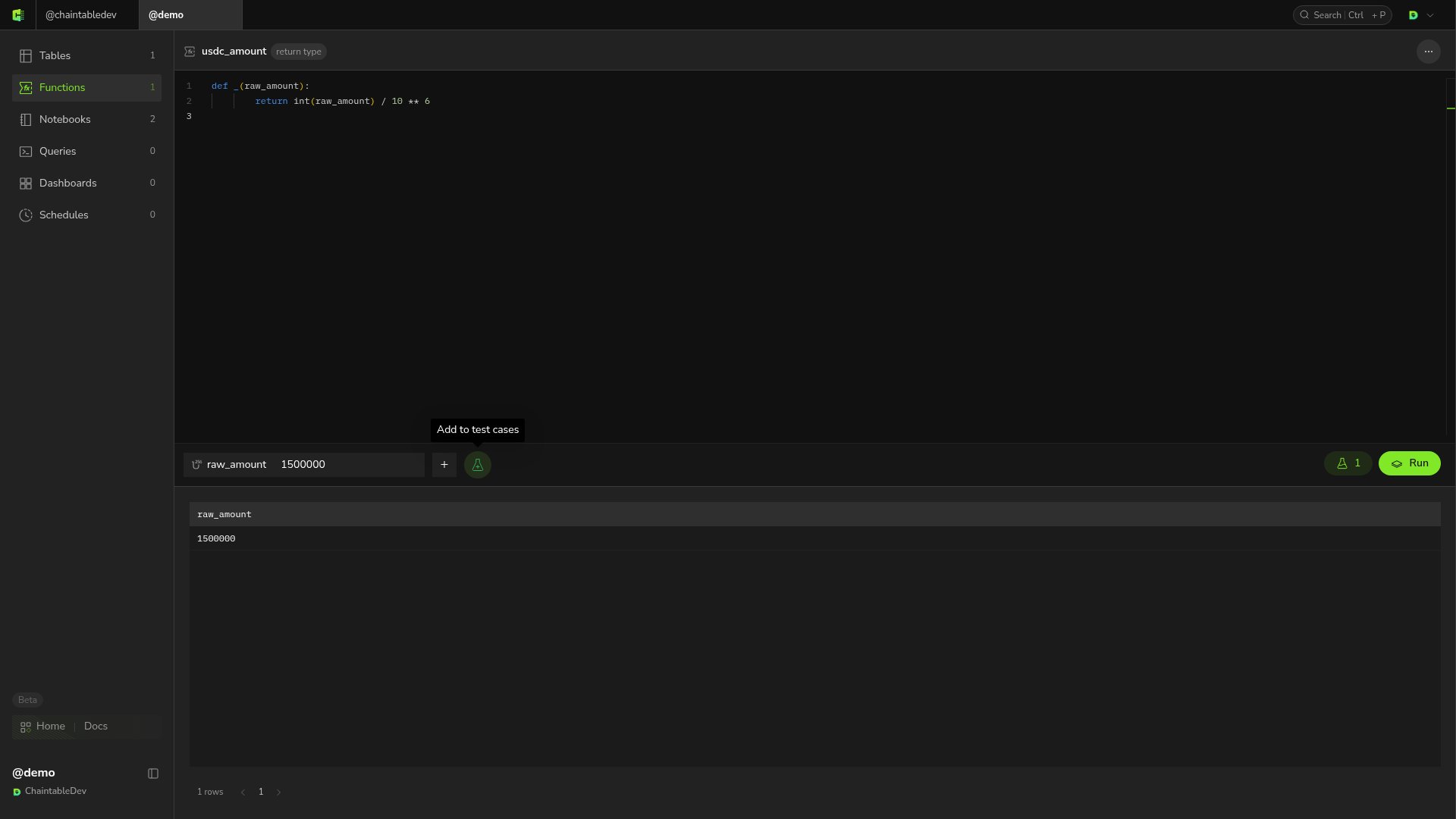
Inspect an error and retest
Temporarily change the divisor10 ** 6 to 0 and run with input 1500000. This triggers ZeroDivisionError. The output includes division by zero and a traceback pointing to that line.
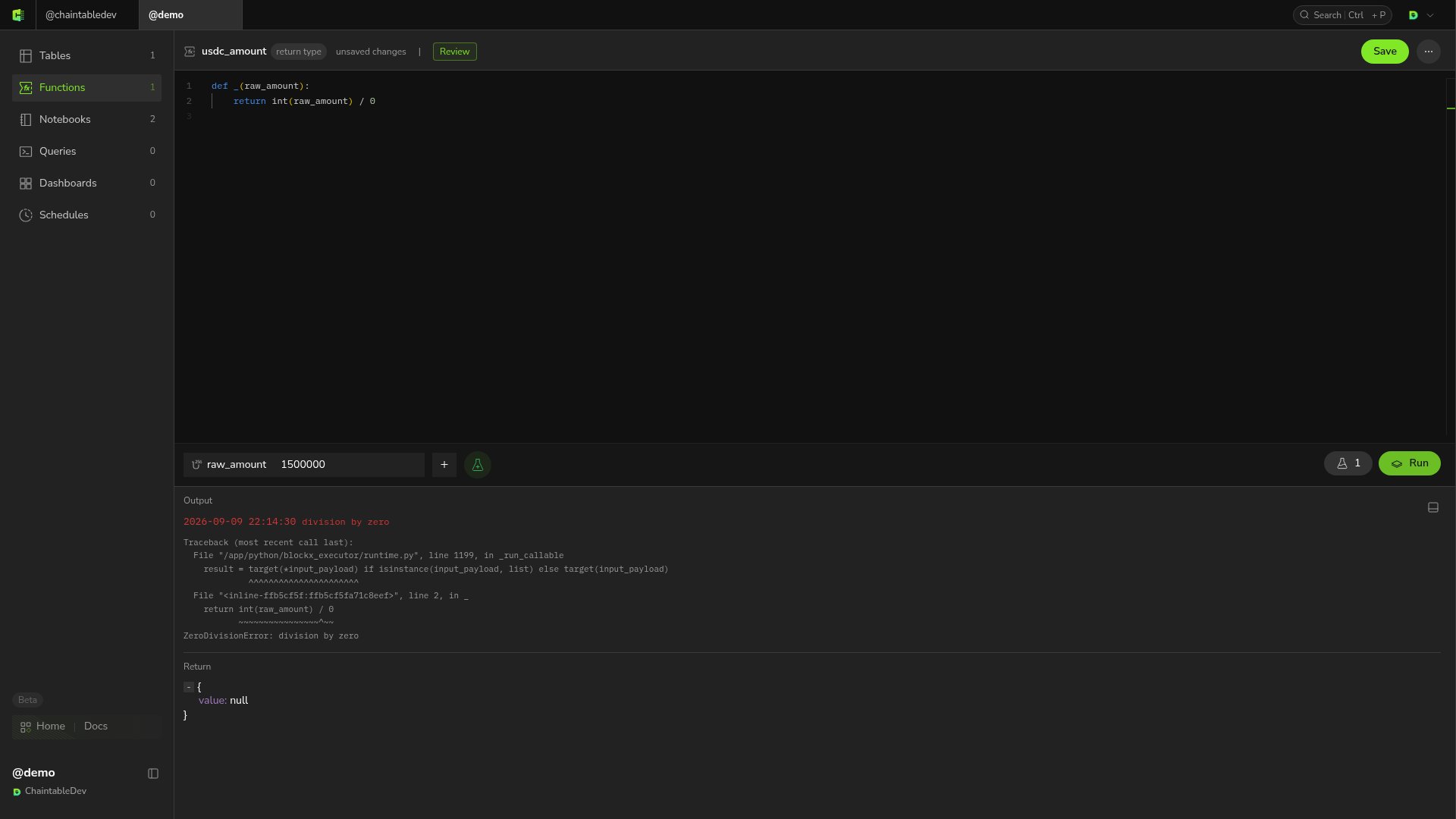
10 ** 6, save, and run again. The return value should be 1.5.