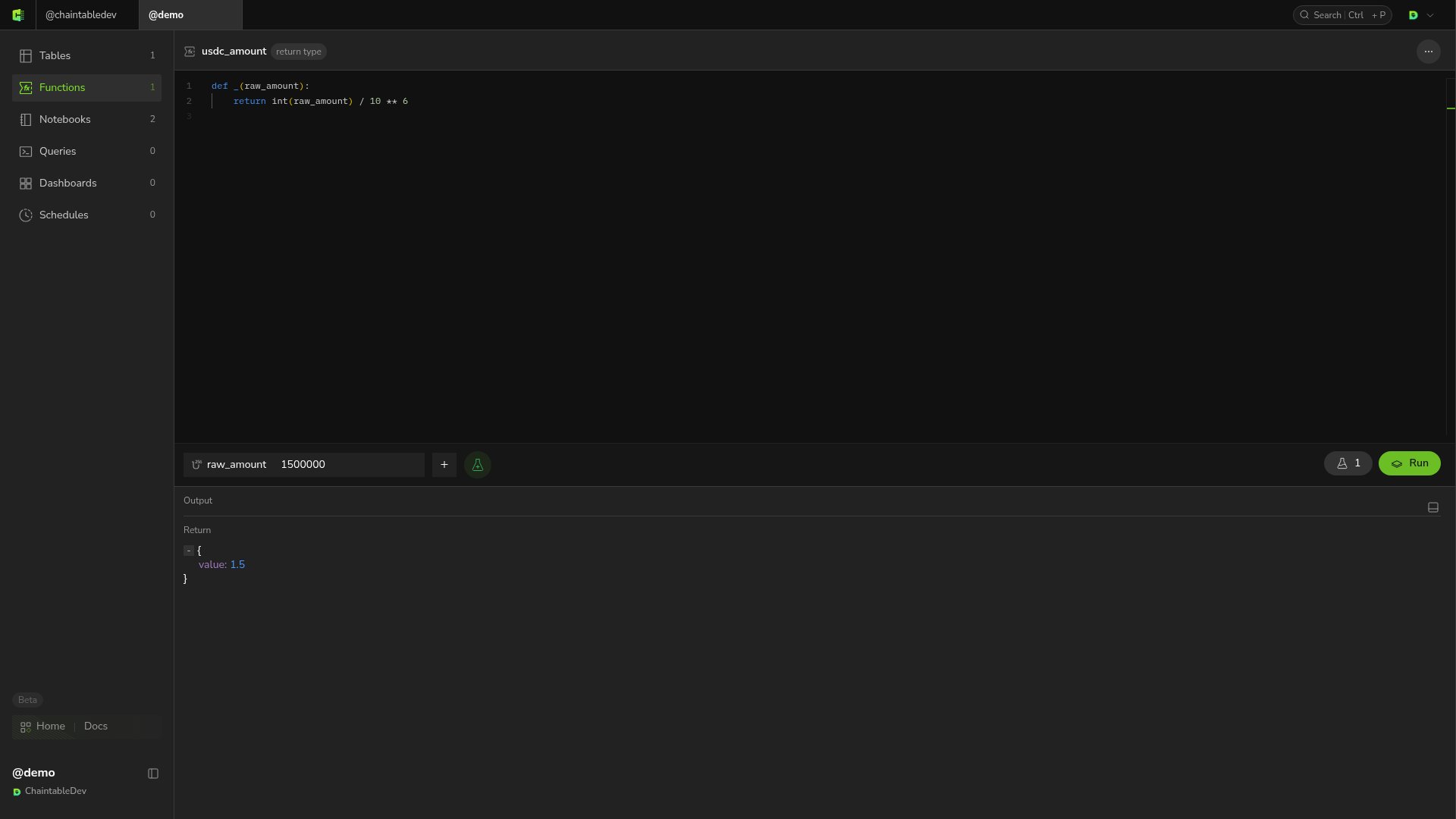
demo; replace it with your Space ID.
Create the function
- Open Functions and click + at the top right of the list.
- In New Function, enter
usdc_amountand click Save and open. - Replace the default editor code with:
_ as the entry point. raw_amount is the raw integer USDC amount. USDC has 6 decimal places, so dividing by 10 ** 6 gives the token amount.
Define parameters
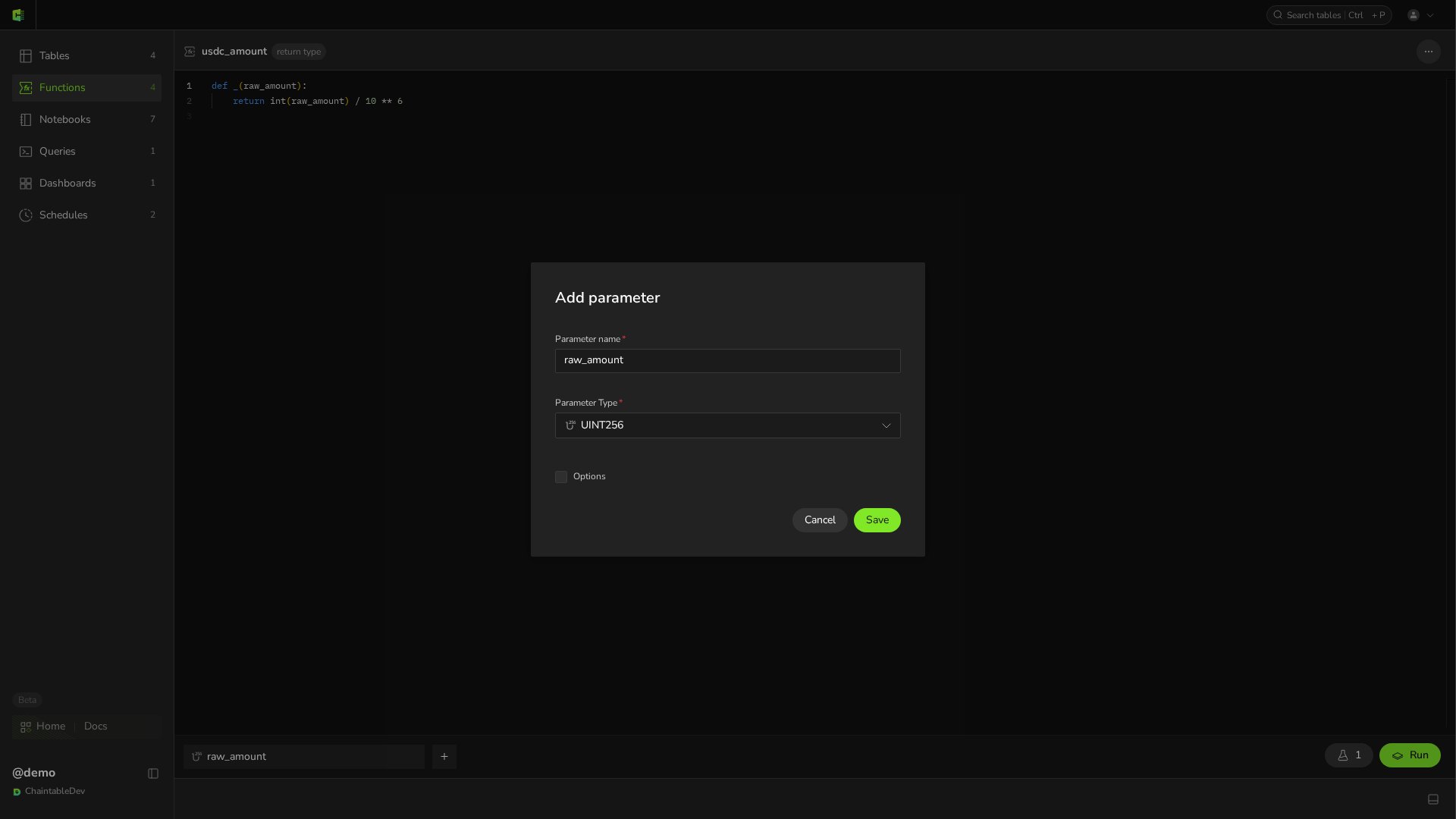
Hover over the parameter bar below the editor and click +. In Add parameter, set:
Click Save in the dialog, then Save at the top of the page. Parameter order must match the positional arguments of
_. Once saved, click the parameter chip to reopen the same dialog, now titled Edit parameter.
demo.usdc_amount: demo is the Space ID and usdc_amount is the Function name.
Test the result
Enter1500000 in the parameter input, move focus out of the input, and click Run. Return should show 1.5.