Set the start height
Before the first write, open the block table, click the settings icon beside Schema, set Start Height, and save. You cannot change it directly after the table contains data, so decide the historical coverage when creating the table. For example, if the table should cover blocks from25939925 onward, set its start height to 25939925 before the first write. A small backfill can also keep the default 0.
Check consensus height
Read a block table’s current consensus height:25939925 through 25939934 while the table still has the default start height of 0, so this prints 0.
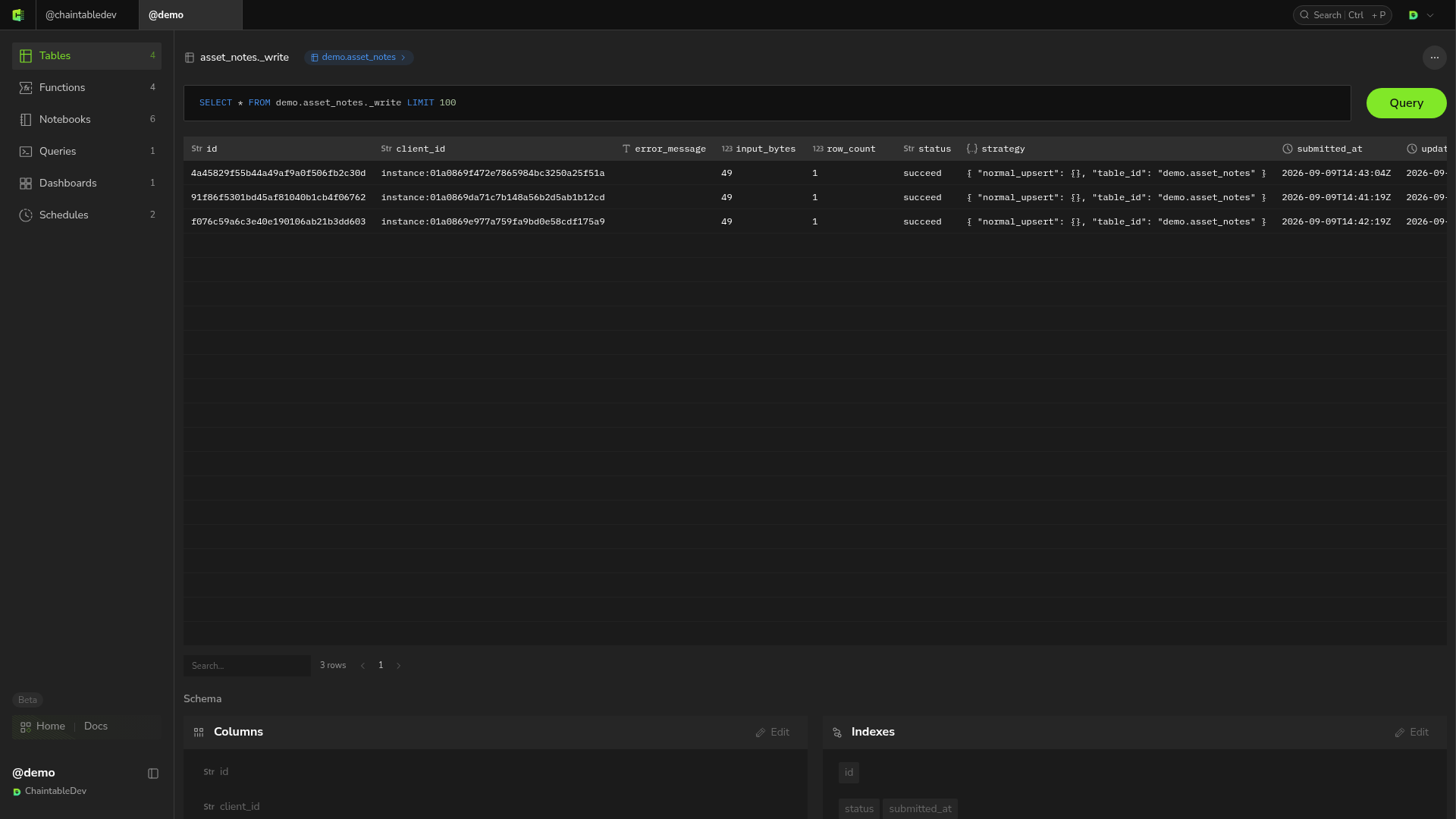
Inspect asynchronous write jobs
batch_write() returning True means only that the job was submitted. Each table supporting batch writes has a job table with ID <table_id>._write. Click write under the target table’s Relations to open it.