

Common foundational tables
Foundational tables are organized into Spaces by purpose. In the examples below,eth means Ethereum mainnet.
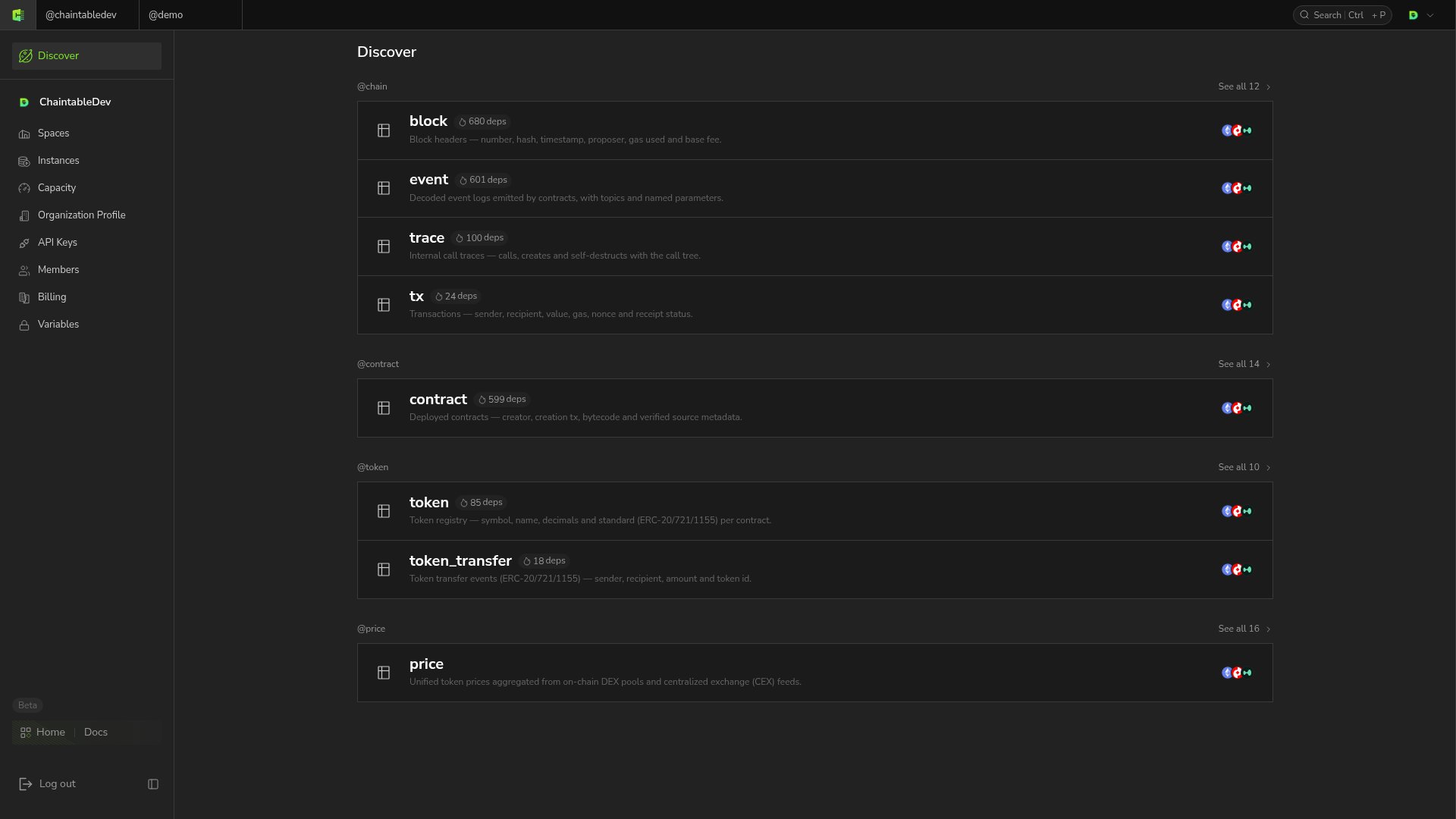
Start from Discover
- Open Discover and choose a dataset, such as token_transfer or price.
- Select a chain in the Space’s Tables list. For example,
price.ethis the Ethereum price table. - Open the table details to view its type and Schema.
Inspect structure and sample data
Schema → Columns lists fields, and Indexes lists indexes. Block and time tables also provide Subtables:
Open the data page to inspect sample rows, column names, and the full table ID.
Record the full table ID
The display name in a table list omits the Space. For example,price.eth in the price Space has full ID price.price.eth.
SDK calls and SQL use full IDs. Historical subtables also require a suffix, such as demo.pool_reserves.eth._archive; archive is the UI entry label.