AccessKey.
Create an Access Key
- Sign in to Chaintable and switch to the account whose units you will use.
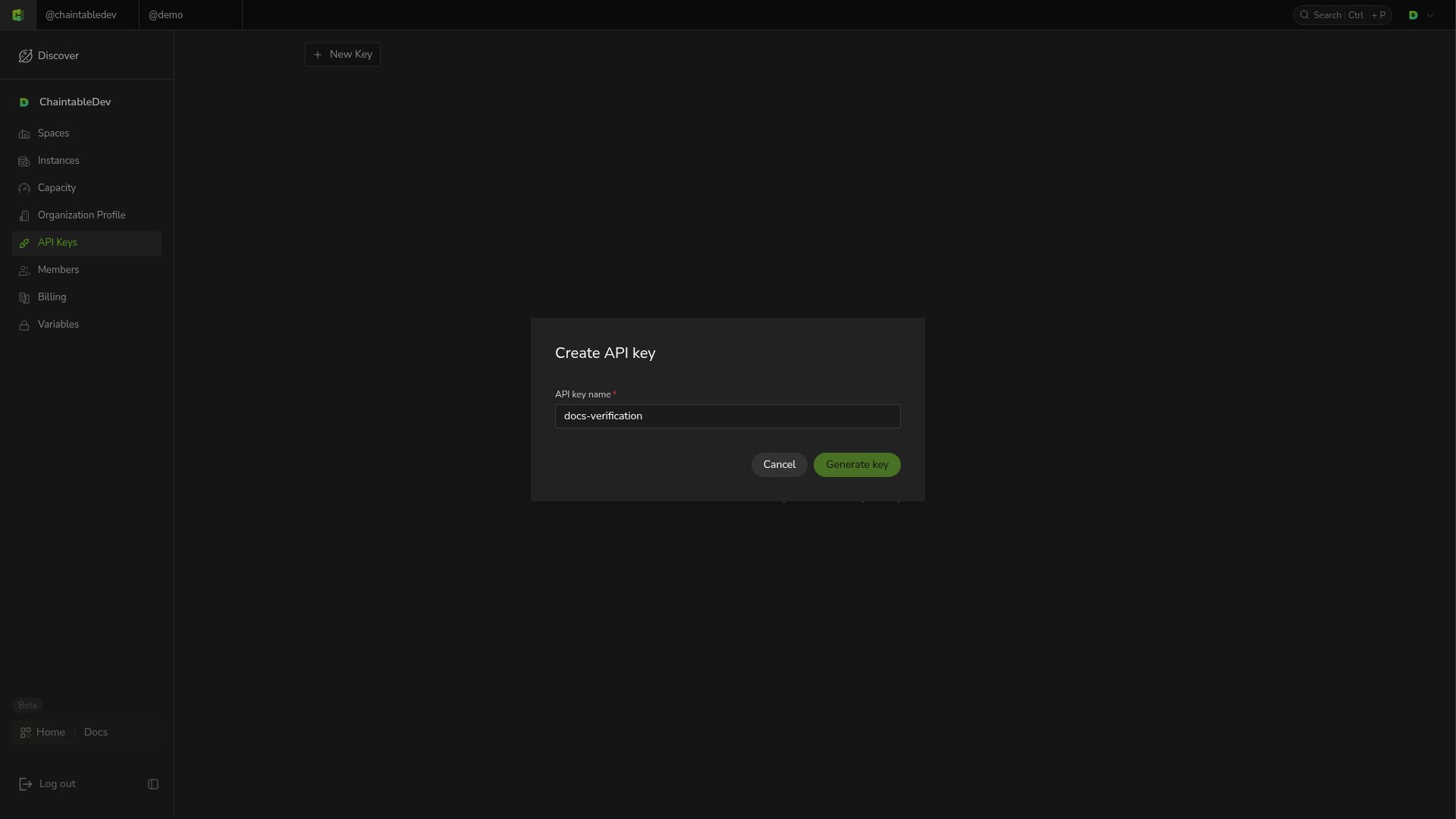
- Open API Keys from the account menu and click New Key.
- Enter a descriptive name, such as
analytics-service, and click Generate key. - Copy the generated Key into an application environment variable or secret manager.
Pass the Key in requests
SetCHAINTABLE_ACCESS_KEY to the real value in your environment, then query remaining account units:
200 with code set to success. data contains the remaining units as monthly_units and addon_units.
Manage and replace Keys
API Keys shows names and masked values. To replace an application’s Key, create a new one, update application configuration, verify requests, then delete the old Key.