demo.pool_reserves.eth: Block State, and business fields id: ADDRESS, reserve_usdc: UINT256, and reserve_weth: UINT256.
Configure the source and function
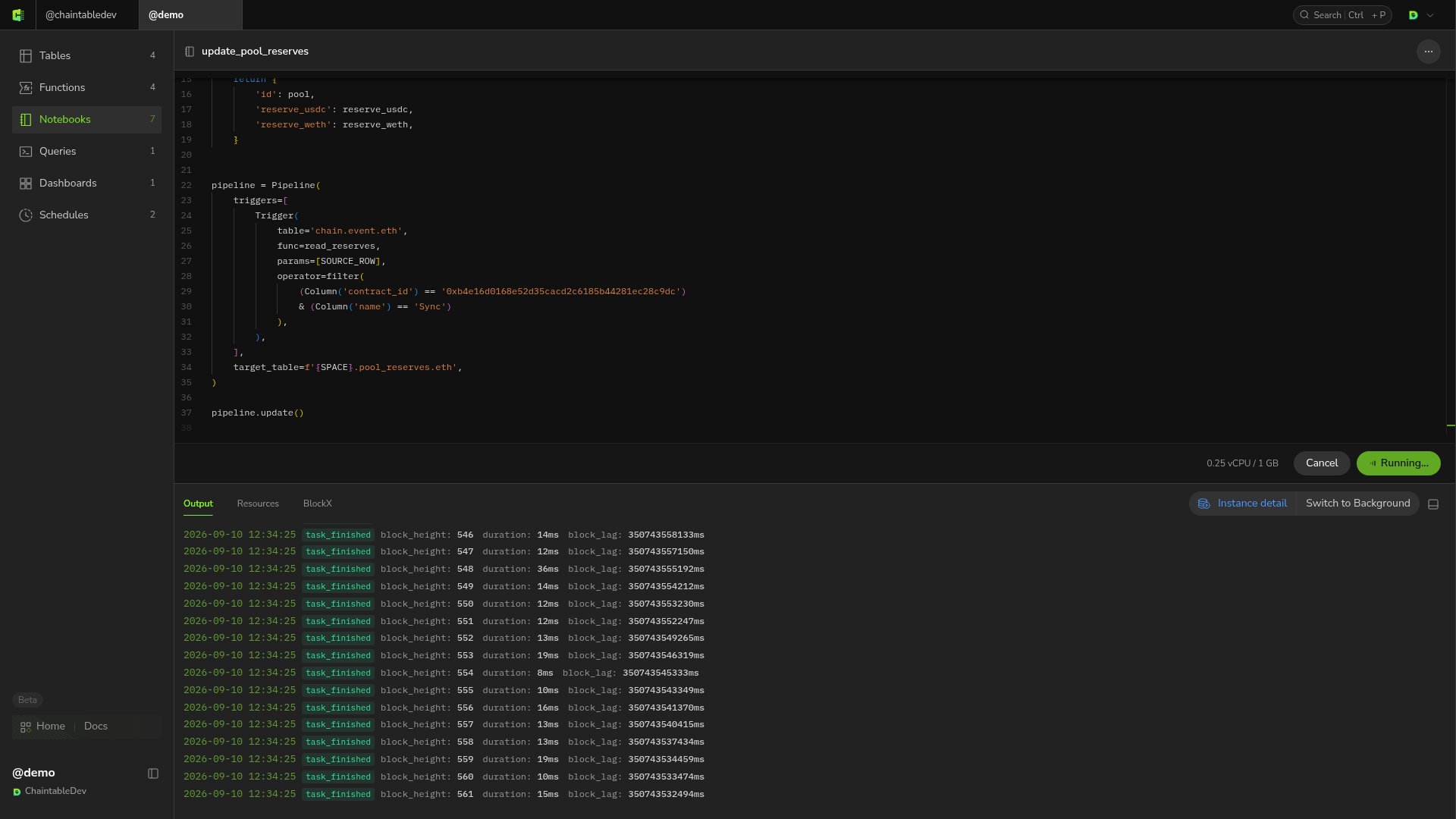
Create a Notebook indemo with the following script. Sync events trigger reserve reads; SOURCE_ROW passes the current event as a function argument.
Import SDK dependencies inside the function body. This example queries the contract using the event’s
block_id, keeping reserve reads at that event’s block state.
Run a historical backfill
Save the script, choose compute resources, and click Run.backfill() includes both boundary heights; this example processes ten blocks.
When the run completes, check the Notebook output: this example processes 10 blocks and writes 2 records. Then open the target table to check its records and processed ranges.
Declare dependencies
If the function reads another Block State Table, add that table todepends. For example:
trigger with a configured Trigger and both table IDs with actual tables. A dependency is not passed to the function automatically and does not independently trigger computation. It requires data at the corresponding height to be ready; the function must still read that table explicitly.
Keep the table updated
After verifying a small backfill, replace the script’s final line with:update() fills gaps based on the target table’s start height and processed ranges, then keeps processing new events.