

demo.
Create a script
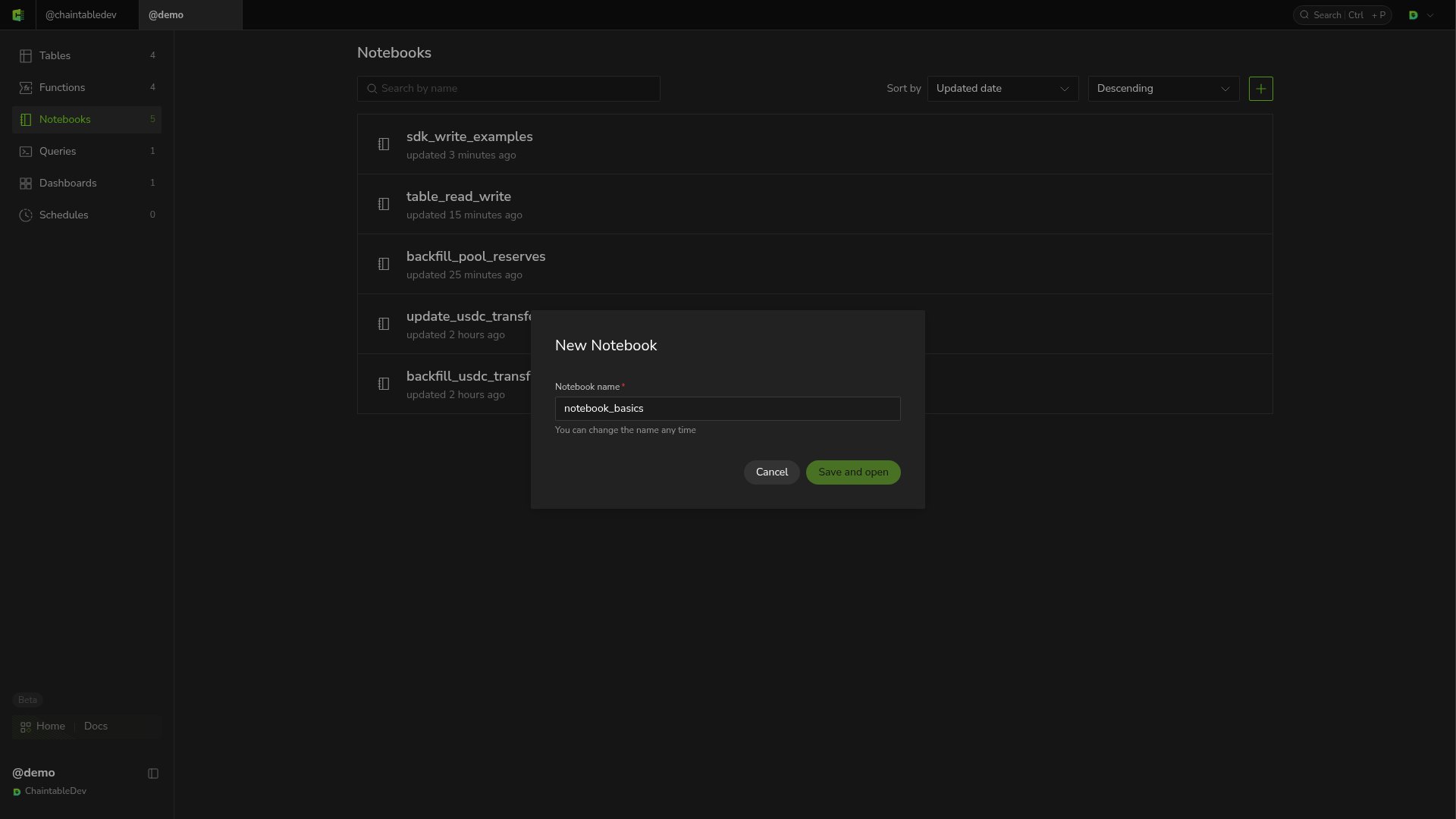
- Open Notebooks in the sidebar and click + at the top right of the list.
- Enter
notebook_basicsas the Notebook name. - Click Save and open to open the editor.
Write and save
Enter this code in the editor:get_arguments() reads run parameters and defaults to 1500000 if raw_amount is absent. Parameter values are strings, so the script converts the value to int first.
Click Save at the top after editing. When unsaved changes disappears, the changes have been saved.
Run and view output
Select a compute specification at the bottom, such as 0.25 vCPU / 1 GB, and click Run. When the script finishes, Output shows: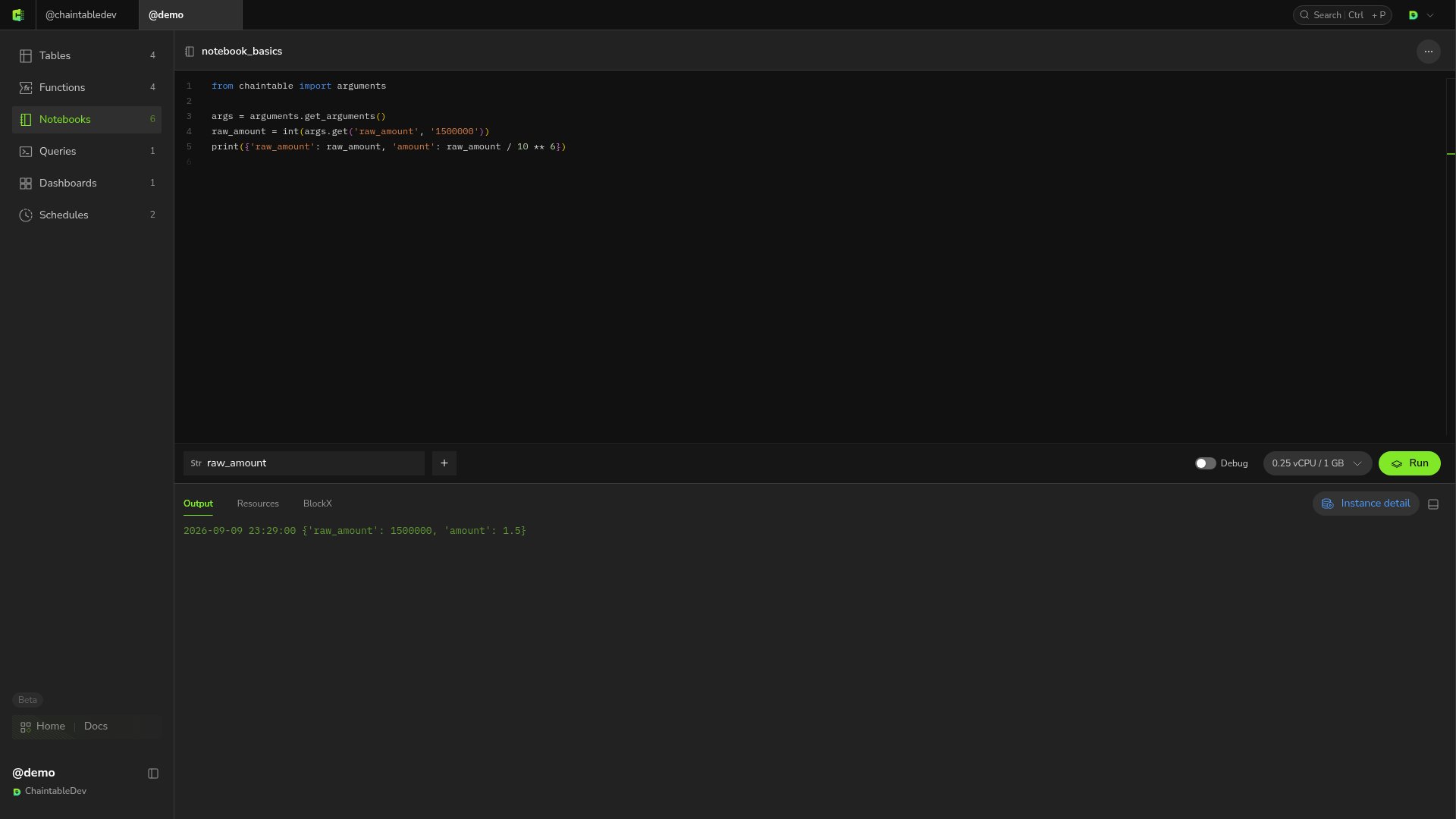
raw_amount in the UI, add a parameter with that name and set its value. See Manage runs.