

Subscribe to block events
Subscribe accepts table IDs, and listen() yields (table_id, block) continuously. This example subscribes to the Ethereum event table and exits after one new block. It also stops after 30 seconds without an event, making it useful for checking connectivity.
block provides the block ID, height, and timestamp.
Subscriptions consume new events and do not replace a full historical backfill. For a long-running listener, remove the timer and break, then follow Create a continuous schedule.
Configure task inputs and results
Follow Create a Function to create and savedemo.usdc_amount. Submit two sets of positional arguments from a Notebook:
[1.5, 2.0]. Each sublist in callList produces one function call. ReturnValueHandler collects values without writing a table. Results are not guaranteed to follow input order; return a business ID with each result when you need to associate it with its input.
Choose a result handler for the destination:
Read runtime variables
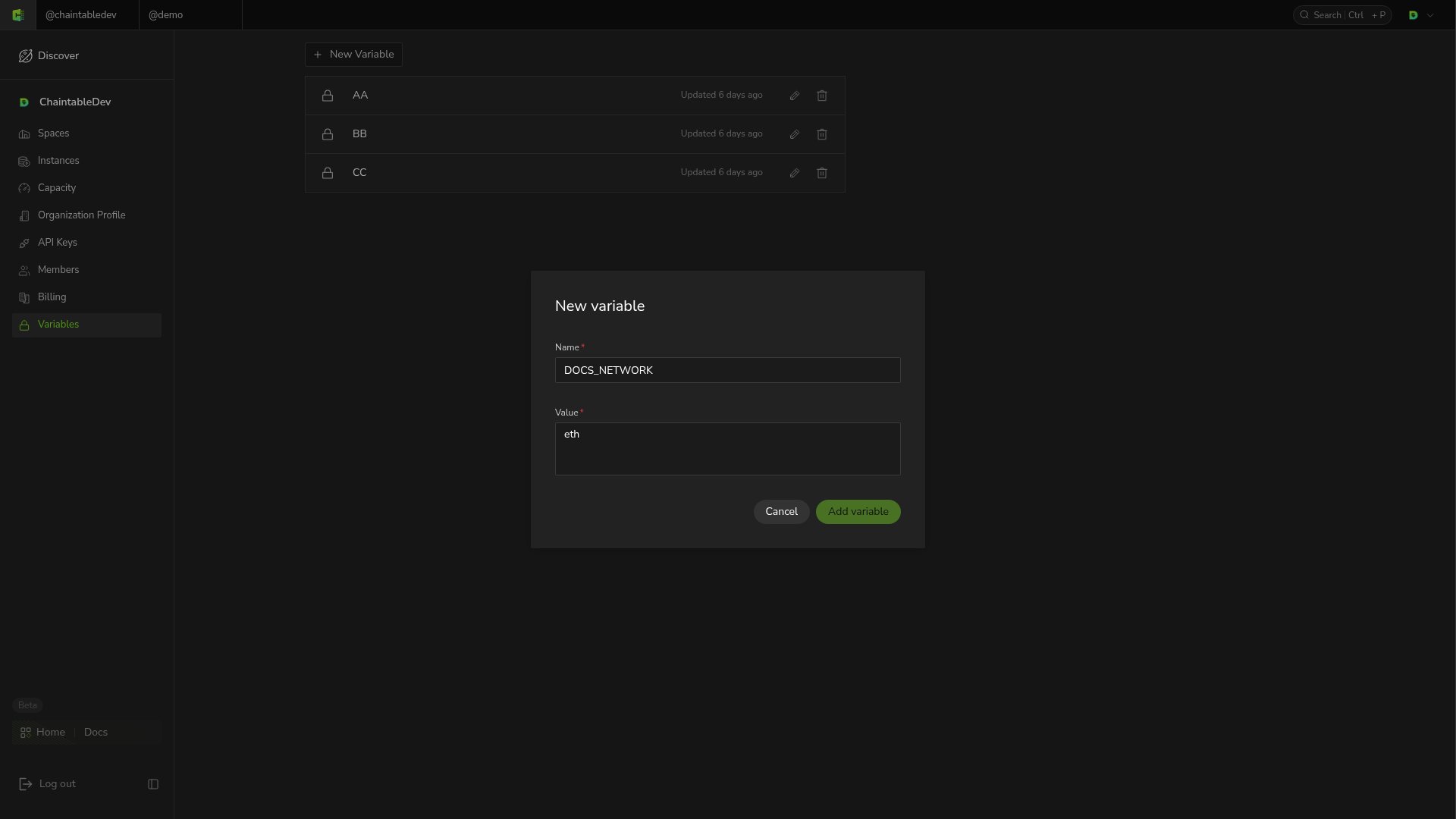
- Switch to the Notebook’s owning account and open Variables in the account menu.
- Click New Variable, enter name
DOCS_NETWORKand valueeth. - Click Add variable, then read it in the Notebook:
None.
Do not print variables containing secrets to logs.